From the first question to the finished exam.
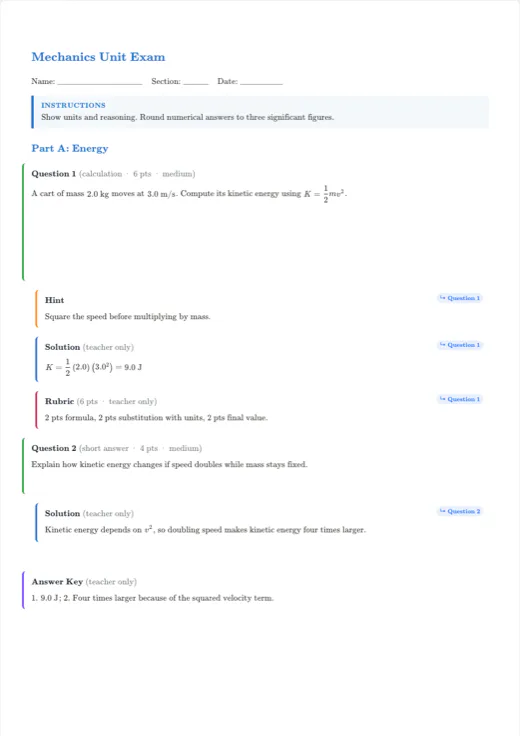
Create exams with multiple choice, true/false, short answers and written questions. Attach solutions, reuse a question bank, shuffle versions and choose a student or teacher edition.
MasterA
Version101
Version102
Version103
Version104
Answer key
| Version | Q1 | Q2 | Q3 | Q4 |
|---|---|---|---|---|
| 101 | B | D | A | C |
| 102 | A | C | B | D |
| 103 | D | B | C | A |
| 104 | C | A | D | B |
Exam builder
What can you do?
- Keep hints, solutions and answers with each question.
- Use question banks and assessment matrices to assemble an exam.
- Generate exam versions and their corresponding answer keys.
How do I get started?
- 01
Choose an exam template, fill in the header and add questions.
- 02
Check answers and solutions, then configure question or option shuffling.
- 03
Export versions and verify their answer keys before printing.
Before you start writing
Does shuffling generate worked solutions?
No. It changes the order according to your settings and keeps answers linked. Enter and review solutions and answer keys before exporting.
Keep exploring
TEXVA
Your next document starts here.
Open a template, add your content and watch your document take shape.
Open a real template