Clear equations. An uninterrupted train of thought.
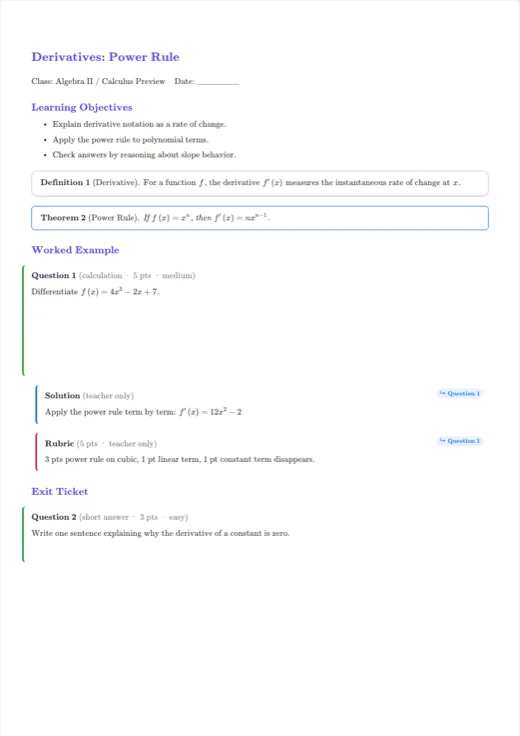
Write fractions, roots, powers, integrals and matrices alongside your text. Place equations inside sentences or on their own lines to build readable worked solutions.
Type
x = (-b ± sqrt(b^2-4ac)) / 2aMath equations
What can you do?
- Enter expressions with a visual math keyboard.
- Mix inline equations with separate lines for worked steps.
- Keep expressions editable instead of replacing screenshots.
How do I get started?
- 01
Place the cursor where the equation belongs.
- 02
Choose a mathematical structure and fill in its parts.
- 03
Check symbols, line breaks and the exported PDF before sharing.
Before you start writing
Are equations stored as images?
No. Equations are stored as structured expressions so you can keep editing them and export to supported document formats.
Keep exploring
TEXVA
Your next document starts here.
Open a template, add your content and watch your document take shape.
Open a real template